Agente de IA para conversación con bases de datos Supabase-PostgreSQL
Este es unEngineering, DevOps, Product, AIflujo de automatización del dominio deautomatización que contiene 11 nodos.Utiliza principalmente nodos como PostgresTool, Agent, ToolCode, ChatTrigger, LmChatOpenAi, combinando tecnología de inteligencia artificial para lograr automatización inteligente. Agente de IA para conversar con bases de datos Supabase/PostgreSQL
- •Información de conexión de la base de datos PostgreSQL
- •Clave de API de OpenAI
Nodos utilizados (11)
{
"nodes": [
{
"id": "0a4e65b7-39be-44eb-8c66-913ebfe8a87a",
"name": "Nota Adhesiva3",
"type": "n8n-nodes-base.stickyNote",
"position": [
1140,
840
],
"parameters": {
"color": 3,
"width": 215,
"height": 80,
"content": "**Replace password and username for Supabase**"
},
"typeVersion": 1
},
{
"id": "2cea21fc-f3fe-47b7-a7b6-12acb0bc03ac",
"name": "Nota Adhesiva5",
"type": "n8n-nodes-base.stickyNote",
"position": [
-160,
320
],
"parameters": {
"color": 7,
"width": 280.2462120317618,
"height": 545.9087885077763,
"content": "### Set up steps\n\n#### Preparation\n1. **Create Accounts**:\n - [N8N](https://n8n.partnerlinks.io/2hr10zpkki6a): For workflow automation.\n - [Supabase](https://supabase.com/): For database hosting and management.\n - [OpenAI](https://openai.com/): For building the conversational AI agent.\n2. **Configure Database Connection**:\n - Set up a PostgreSQL database in Supabase.\n - Use appropriate credentials (`username`, `password`, `host`, and `database` name) in your workflow.\n\n#### N8N Workflow\n\nAI agent with tools:\n\n1. **Code Tool**:\n - Execute SQL queries based on user input.\n2. **Database Schema Tool**:\n - Retrieve a list of all tables in the database.\n - Use a predefined SQL query to fetch table definitions, including column names, types, and references.\n3. **Table Definition**:\n - Retrieve a list of columns with types for one table."
},
"typeVersion": 1
},
{
"id": "eacc0c8c-11d5-44fb-8ff1-10533a233693",
"name": "Nota Adhesiva6",
"type": "n8n-nodes-base.stickyNote",
"position": [
-160,
-200
],
"parameters": {
"color": 7,
"width": 636.2128494576581,
"height": 497.1532689930921,
"content": "\n## AI Agent to chat with Supabase/PostgreSQL DB\n**Made by [Mark Shcherbakov](https://www.linkedin.com/in/marklowcoding/) from community [5minAI](https://www.skool.com/5minai-2861)**\n\nAccessing and analyzing database data often requires SQL expertise or dedicated reports, which can be time-consuming. This workflow empowers users to interact with a database conversationally through an AI-powered agent. It dynamically generates SQL queries based on user requests, streamlining data retrieval and analysis.\n\nThis workflow integrates OpenAI with a Supabase database, enabling users to interact with their data via an AI agent. The agent can:\n- Retrieve records from the database.\n- Extract and analyze JSON data stored in tables.\n- Provide summaries, aggregations, or specific data points based on user queries.\n\n"
},
"typeVersion": 1
},
{
"id": "be1559ea-1f75-4e7c-9bdd-3add8d8be70b",
"name": "Nota Adhesiva7",
"type": "n8n-nodes-base.stickyNote",
"position": [
140,
320
],
"parameters": {
"color": 7,
"width": 330.5152611046425,
"height": 239.5888196628349,
"content": "### ... or watch set up video [20 min]\n[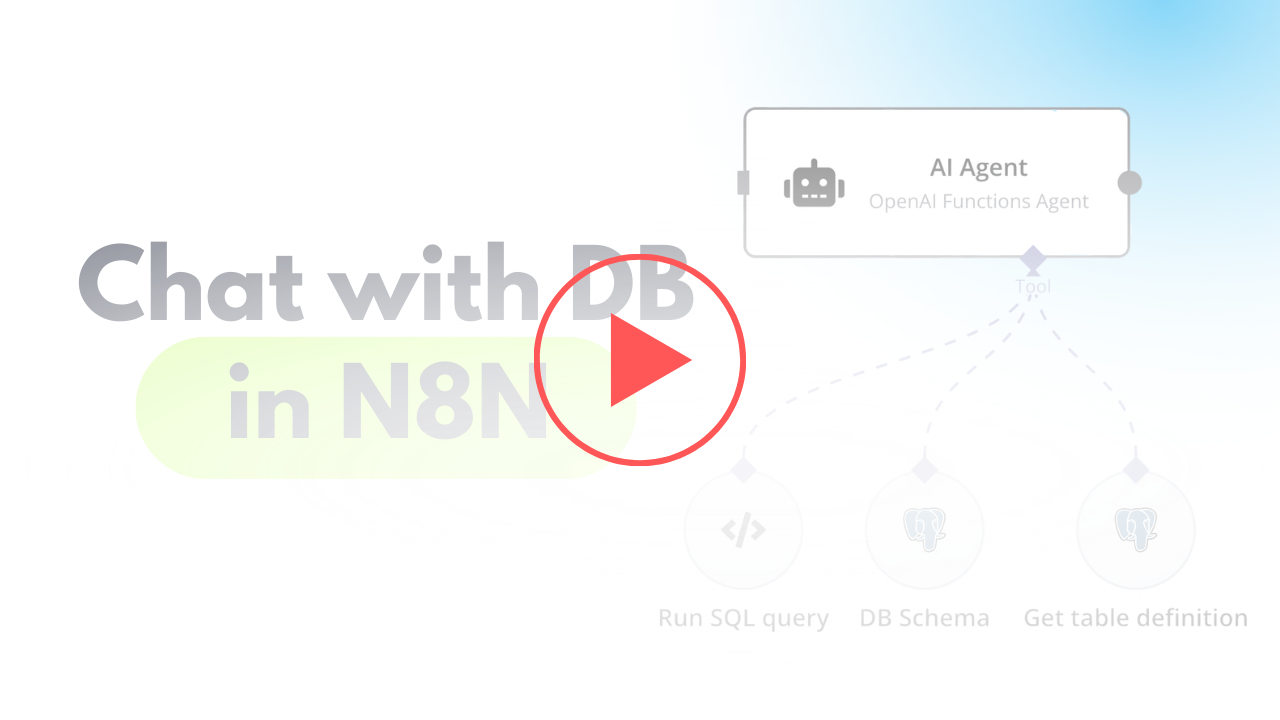](https://www.youtube.com/watch?v=-GgKzhCNxjk)\n"
},
"typeVersion": 1
},
{
"id": "4ea87754-dead-49ea-848c-ed86c98e217b",
"name": "Cuando se recibe un mensaje de chat",
"type": "@n8n/n8n-nodes-langchain.chatTrigger",
"position": [
720,
400
],
"webhookId": "6e95bc27-99a6-417c-8bf7-2831d7f7a4be",
"parameters": {
"options": {}
},
"typeVersion": 1.1
},
{
"id": "c20d6e57-eb41-4682-a7f5-5bb4323df476",
"name": "Modelo de Chat OpenAI",
"type": "@n8n/n8n-nodes-langchain.lmChatOpenAi",
"position": [
760,
680
],
"parameters": {
"options": {}
},
"credentials": {
"openAiApi": {
"id": "zJhr5piyEwVnWtaI",
"name": "OpenAi club"
}
},
"typeVersion": 1
},
{
"id": "8d3b1faf-643c-4070-996d-a59cb06e1827",
"name": "Esquema de la Base de Datos",
"type": "n8n-nodes-base.postgresTool",
"position": [
1180,
660
],
"parameters": {
"query": "SELECT table_schema, table_name\nFROM information_schema.tables\nWHERE table_type = 'BASE TABLE' AND table_schema = 'public';",
"options": {},
"operation": "executeQuery",
"descriptionType": "manual",
"toolDescription": "Get list of all tables in database"
},
"credentials": {
"postgres": {
"id": "AO9cER6p8uX7V07T",
"name": "Postgres 5minai"
}
},
"typeVersion": 2.5
},
{
"id": "d9346ade-79d1-44c2-8fa6-b337ad8b0544",
"name": "Obtener definición de tabla",
"type": "n8n-nodes-base.postgresTool",
"position": [
1340,
660
],
"parameters": {
"query": "SELECT \n c.column_name,\n c.data_type,\n c.is_nullable,\n c.column_default,\n tc.constraint_type,\n ccu.table_name AS referenced_table,\n ccu.column_name AS referenced_column\nFROM \n information_schema.columns c\nLEFT JOIN \n information_schema.key_column_usage kcu \n ON c.table_name = kcu.table_name \n AND c.column_name = kcu.column_name\nLEFT JOIN \n information_schema.table_constraints tc \n ON kcu.constraint_name = tc.constraint_name\n AND tc.constraint_type = 'FOREIGN KEY'\nLEFT JOIN\n information_schema.constraint_column_usage ccu\n ON tc.constraint_name = ccu.constraint_name\nWHERE \n c.table_name = '{{ $fromAI(\"table_name\") }}' -- Your table name\n AND c.table_schema = 'public' -- Ensure it's in the right schema\nORDER BY \n c.ordinal_position;\n",
"options": {},
"operation": "executeQuery",
"descriptionType": "manual",
"toolDescription": "Get table definition to find all columns and types."
},
"credentials": {
"postgres": {
"id": "AO9cER6p8uX7V07T",
"name": "Postgres 5minai"
}
},
"typeVersion": 2.5
},
{
"id": "b88a21e0-d2ff-4431-bd84-dfd43edeb5c4",
"name": "Nota Adhesiva",
"type": "n8n-nodes-base.stickyNote",
"position": [
960,
280
],
"parameters": {
"width": 215,
"height": 80,
"content": "**Finetune the prompt of assistant**"
},
"typeVersion": 1
},
{
"id": "fbe9eb68-5990-485c-820f-08234ea33194",
"name": "Agente de IA",
"type": "@n8n/n8n-nodes-langchain.agent",
"position": [
940,
400
],
"parameters": {
"text": "={{ $('When chat message received').item.json.chatInput }}",
"agent": "openAiFunctionsAgent",
"options": {
"systemMessage": "You are DB assistant. You need to run queries in DB aligned with user requests.\n\nRun custom SQL query to aggregate data and response to user.\n\nFetch all data to analyse it for response if needed.\n"
},
"promptType": "define"
},
"typeVersion": 1.6
},
{
"id": "7f82d6d9-d7d6-4443-bbaa-c9b276a376e3",
"name": "Ejecutar Consulta SQL",
"type": "n8n-nodes-base.postgresTool",
"position": [
1040,
660
],
"parameters": {
"query": "{{ $fromAI(\"query\",\"SQL query for PostgreSQL DB in Supabase\") }}",
"options": {},
"operation": "executeQuery",
"descriptionType": "manual",
"toolDescription": "Run custom SQL queries using knowledge about Output structure to provide needed response for user request.\nUse ->> operator to extract JSON data."
},
"credentials": {
"postgres": {
"id": "AO9cER6p8uX7V07T",
"name": "Postgres 5minai"
}
},
"typeVersion": 2.5
}
],
"pinData": {},
"connections": {
"8d3b1faf-643c-4070-996d-a59cb06e1827": {
"ai_tool": [
[
{
"node": "fbe9eb68-5990-485c-820f-08234ea33194",
"type": "ai_tool",
"index": 0
}
]
]
},
"7f82d6d9-d7d6-4443-bbaa-c9b276a376e3": {
"ai_tool": [
[
{
"node": "fbe9eb68-5990-485c-820f-08234ea33194",
"type": "ai_tool",
"index": 0
}
]
]
},
"c20d6e57-eb41-4682-a7f5-5bb4323df476": {
"ai_languageModel": [
[
{
"node": "fbe9eb68-5990-485c-820f-08234ea33194",
"type": "ai_languageModel",
"index": 0
}
]
]
},
"d9346ade-79d1-44c2-8fa6-b337ad8b0544": {
"ai_tool": [
[
{
"node": "fbe9eb68-5990-485c-820f-08234ea33194",
"type": "ai_tool",
"index": 0
}
]
]
},
"4ea87754-dead-49ea-848c-ed86c98e217b": {
"main": [
[
{
"node": "fbe9eb68-5990-485c-820f-08234ea33194",
"type": "main",
"index": 0
}
]
]
}
}
}¿Cómo usar este flujo de trabajo?
Copie el código de configuración JSON de arriba, cree un nuevo flujo de trabajo en su instancia de n8n y seleccione "Importar desde JSON", pegue la configuración y luego modifique la configuración de credenciales según sea necesario.
¿En qué escenarios es adecuado este flujo de trabajo?
Intermedio - Ingeniería, DevOps, Producto, Inteligencia Artificial
¿Es de pago?
Este flujo de trabajo es completamente gratuito, puede importarlo y usarlo directamente. Sin embargo, tenga en cuenta que los servicios de terceros utilizados en el flujo de trabajo (como la API de OpenAI) pueden requerir un pago por su cuenta.
Flujos de trabajo relacionados recomendados

Mark Shcherbakov
@lowcodingdevI am a business analyst with a development background, dedicated to helping small businesses and entrepreneurs leverage cloud services for increased efficiency. My expertise lies in automating manual workflows, integrating data from multiple cloud service providers, creating insightful dashboards, and building custom CRM systems.
Compartir este flujo de trabajo